LED Display: 8 Technical Specs That Define Performance
Quick Answer
LED display specifications should be read as project decisions: pixel pitch, brightness, refresh rate, cabinet size, maintenance access, and controller choice all affect the final result.
Basic Facts
- Spec focus: Pixel pitch, brightness, refresh, cabinet
- Best use: Technical comparison
- Buyer check: Match specs to venue
- Risk: Overbuying or underbuying specs
Buyer Check
Use this page as a practical project filter. Confirm the real venue, viewing distance, screen size, installation constraints, content type, and service expectations before comparing LED display prices.
Related reading: P3 LED module Quality
Quick reference: This page is organized around a specific LED display buying task, practical project checks, and related LEDP3 pages so readers and search systems can understand the page purpose without relying on repeated template wording.
Choosing the right LED display means understanding 8 key numbers. This guide explains each spec to help you buy wisely.
Introduction
LED display technology powers most outdoor and indoor digital signage.
But many buyers focus only on size and price.
That leads to poor visibility or high electricity bills.
Below are 8 technical specifications you must check.
Each number directly affects image quality and operating cost.
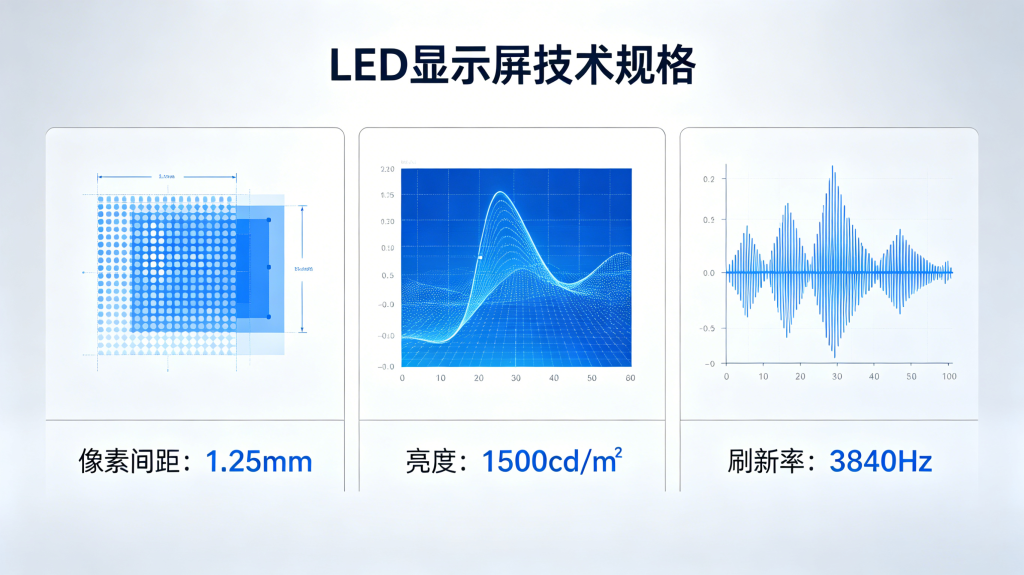
1. Pixel Pitch: 0.9mm to 40mm
This is the distance between two adjacent LEDs.
A smaller number gives sharper images.
For indoor use, pick 0.9mm to 4mm.
For outdoor use, 8mm to 40mm works best.
A 10mm pitch looks clear from 15 meters away.
A 2mm pitch needs only 3 meters of viewing distance.
Measure your audience’s position before choosing.
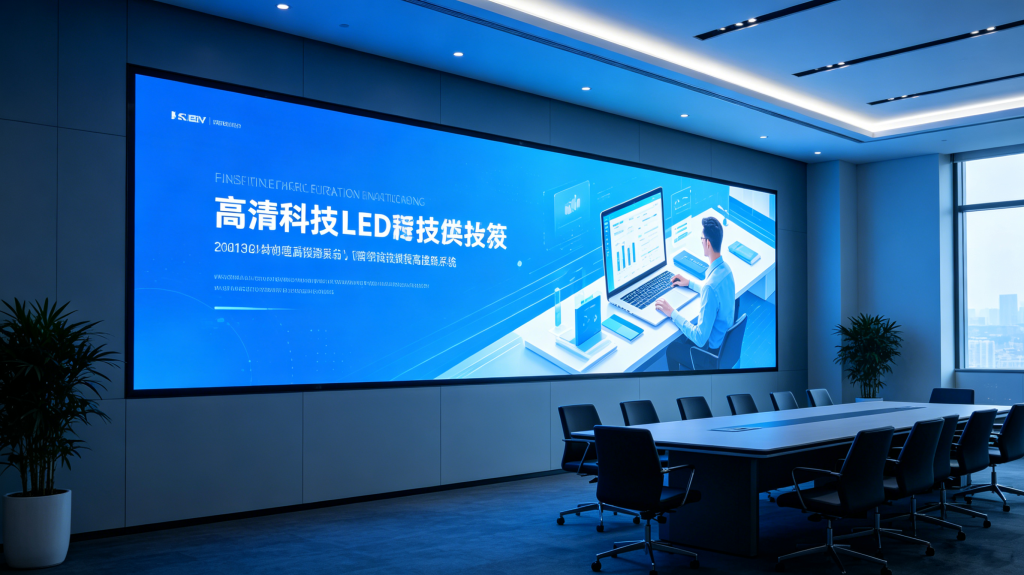
2. Brightness: 1,500 to 10,000 Nits
One nit equals the light of one candle per square meter.
Indoor screens need only 1,500 nits.
Outdoor units require 5,000 nits or more.
Direct sunlight demands 8,000 to 10,000 nits.
Too much brightness indoors causes eye strain.
Too little brightness outdoors makes the screen unreadable.
Many modern units auto-adjust based on ambient light.
3. Refresh Rate: 960Hz to 3,840Hz
This measures how often the image updates per second.
Higher rates remove flickering on camera recordings.
For live TV events, pick 3,840Hz.
For basic text and logos, 960Hz is acceptable.
At 1,920Hz, motion looks smooth to the human eye.
Always test this spec if you film near the screen.
4. Lifespan: 50,000 to 100,000 Hours
Quality units last 100,000 hours.
That equals over 11 years of continuous use.
Cheaper models fail at 50,000 hours.
After that point, brightness drops to 70% of original.
You do not need to replace the whole screen.
Only swap out individual power supplies or LED modules.
5. Power Consumption: 150W to 800W per m²
This number defines your electricity bill.
Older technology uses 800W per square meter.
Newer efficient models use only 150W.
A 10m² screen running 12 hours daily costs about $2.50 per day at 150W.
The same screen at 800W would cost $13 per day.
Over 3 years, the efficient version saves over $11,000.
6. Ingress Protection (IP) Rating: IP20 to IP66
This tells you how well the screen resists dust and water.
IP20 is for indoor use only (no protection).
IP54 handles light rain and dust.
IP65 survives direct water jets from any direction.
IP66 can withstand powerful sprays or heavy storms.
Never install an outdoor screen below IP65.
Water damage is not covered by most warranties.
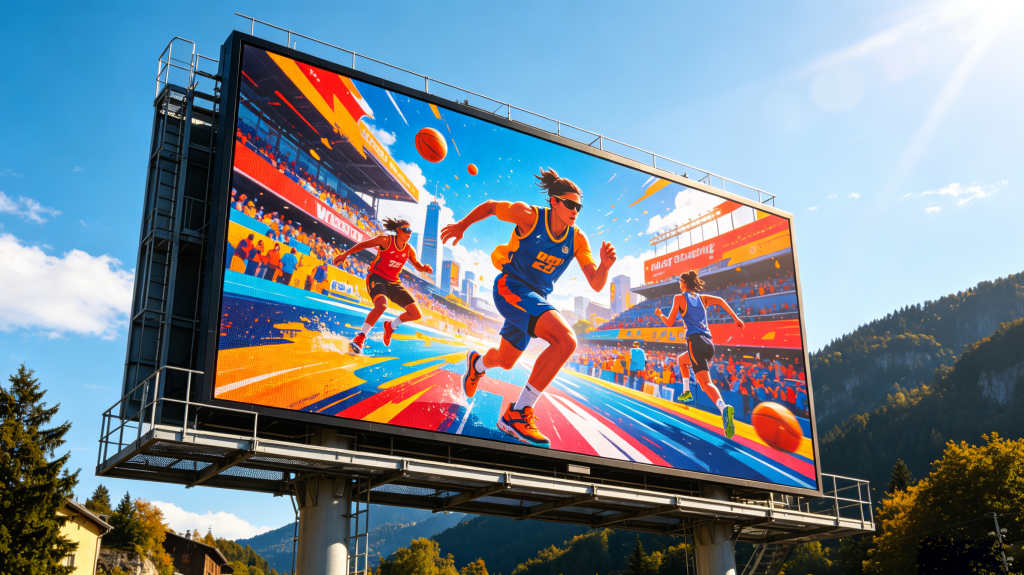
7. Viewing Angle: 120° to 160°
This is the maximum side angle where colors stay correct.
A 160° screen looks good from almost any position.
A 120° screen shows faded colors at the edges.
For corridor or street installations, wide angles matter.
For stadium scoreboards, only front-facing viewers need quality.
Check both horizontal and vertical angle specs.
8. Contrast Ratio: 3,000:1 to 10,000:1
This compares the brightest white to the darkest black.
Higher contrast makes text easier to read.
A 10,000:1 ratio works well for movie playback.
A 3,000:1 ratio is fine for simple ads and schedules.
OLED-based screens can reach higher numbers.
Standard SMD LEDs usually stay below 5,000:1.
How These 8 Numbers Work Together
No single spec guarantees good performance.
A screen with high brightness but low contrast looks washed out.
A tiny pixel pitch with a narrow viewing angle wastes money.
Always match the specs to your real environment.
Example combination for an outdoor street sign:
- Pixel pitch: 10mm (viewing from 15m away)
- Brightness: 6,000 nits (partly shaded street)
- Refresh rate: 1,920Hz (text only, no video)
- IP rating: IP65 (rain but not submersion)
- Viewing angle: 140° (pedestrians passing sideways)
Example for an indoor conference wall:
- Pixel pitch: 1.5mm (close seating at 2 meters)
- Brightness: 1,500 nits (controlled lighting)
- Refresh rate: 3,840Hz (TV broadcast)
- Contrast: 8,000:1 (presentation slides with text)
Common Buying Mistakes to Avoid
Mistake 1: Ignoring the viewing distance formula
Multiply pixel pitch (mm) by 1.5 to get minimum distance (m).
A 4mm pitch needs viewers at least 6 meters away.
Placing it closer makes individual dots visible.
Mistake 2: Forgetting spare modules
Buy 5% extra LED tiles and power supplies.
Production of exact modules stops after 2 years.
Without spares, a few dead pixels means a useless screen.
Mistake 3: No temperature control
Outdoor screens overheat in summer.
Heat reduces LED lifespan by 50% for every 10°C above limit.
Fans or air conditioning are mandatory in hot climates.
Maintenance Schedule for Long Life
Clean the surface every 60 days.
Use a dry microfiber cloth.
Never spray water directly on an IP65 screen.
Check for dead LEDs once per month.
Update the receiving card firmware yearly.
Log all repairs and energy consumption.
Replace thermal paste on power supplies after 5 years.
Future Trends in This Technology
MicroLED will replace standard SMD within 5 years.
It offers 0.5mm pitch and 150,000 hour lifespan.
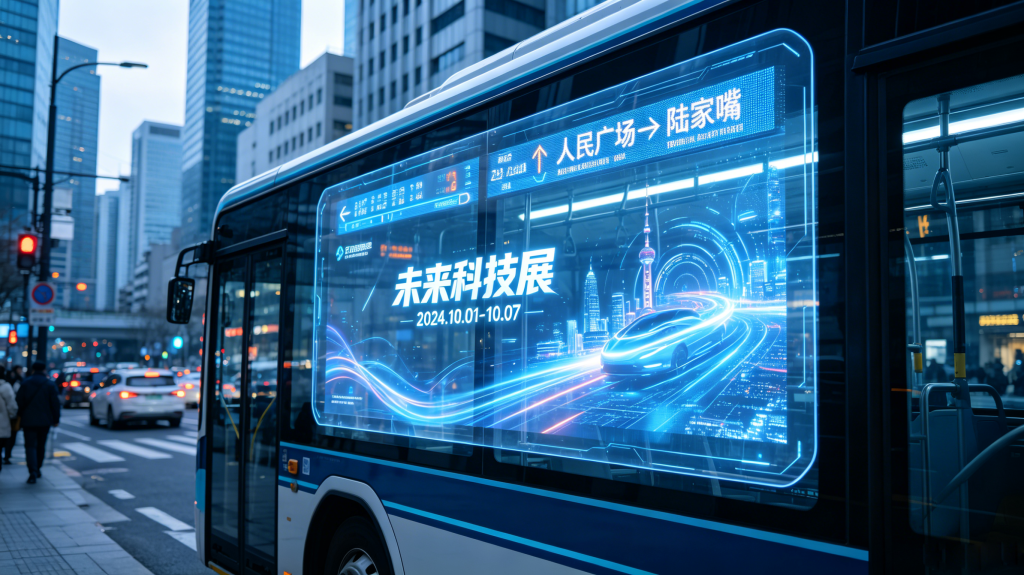
Transparent versions are already in bus windows.
Flexible sheets can wrap around columns.
These new forms will cost 40% less by 2028.
Summary Table: 8 Specs at a Glance
| Spec | Low End | Good | Best |
|---|---|---|---|
| Pixel pitch (indoor) | 4mm | 2mm | 0.9mm |
| Brightness (outdoor) | 3,000 nits | 5,000 nits | 8,000 nits |
| Refresh rate | 960Hz | 1,920Hz | 3,840Hz |
| Lifespan | 50,000h | 75,000h | 100,000h |
| Power per m² | 600W | 300W | 150W |
| IP rating | IP54 | IP65 | IP66 |
| Viewing angle | 120° | 140° | 160° |
| Contrast | 3,000:1 | 5,000:1 | 10,000:1 |
Your investment in a LED display should last 7 to 10 years.
Do not rush based on low price alone.
Check the 8 numbers above before signing any quote.
Ask suppliers for written proof of each spec.
A good LED display pays for itself through lower repairs and electricity.
For a detailed comparison of control systems, read our LED Display Controller Buying Guide.
For the scientific principles behind light emission, see Wikipedia:
Light-emitting diode – Wikipedia