Quick answer: an airport LED screen should be specified from the passenger task and operating environment, not from screen size alone. First define whether it carries flight information, wayfinding, queue status, emergency messages, advertising, or several controlled layers. Then confirm viewing distance, character size, pixel pitch, luminance range, glare, redundancy, content interfaces, cybersecurity, front or rear service access, structure, fire strategy, and acceptance tests.
A large display can look impressive in a showroom and still fail in a terminal. The wrong location may block circulation. Text may be illegible from the decision point. High daytime brightness may become uncomfortable at night. A single controller or data path may turn a minor fault into a blank wall during peak operations.
This airport LED screen checklist focuses on indoor public terminals. It does not cover runway or taxiway signs, certified air-traffic-control displays, or outdoor airfield visual aids. Those systems have different authorities, standards, and safety cases.
Start with the passenger decision, not the display
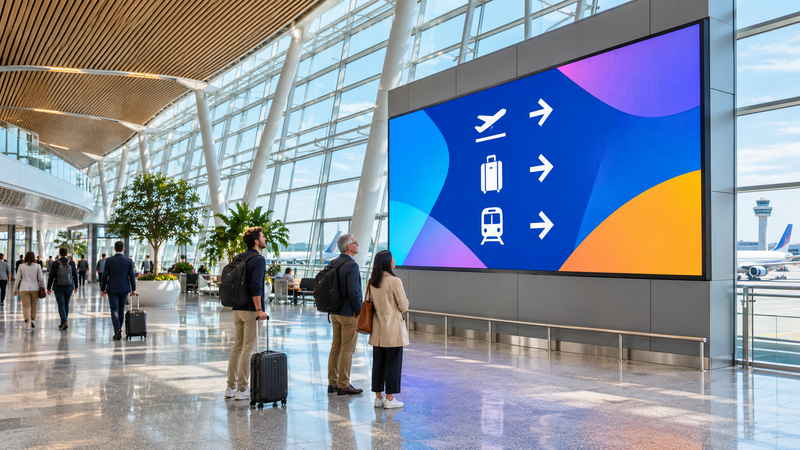
FAA airport-signing guidance places flight and baggage information displays at key passenger decision points and says locations should coincide with passenger pathways without deterring traffic flow. That means the first design drawing should show people, sightlines, walking routes, queues, columns, daylight, and competing signs—not merely a rectangle on a wall.
| Use case | Primary viewer question | Failure consequence | Design emphasis |
|---|---|---|---|
| Flight information | Where and when is my flight? | Missed or delayed passenger decisions | Legible text, current data, clear hierarchy, redundant feed |
| Wayfinding | Which direction do I go now? | Backtracking, congestion, missed connections | Decision-point placement, concise content, route consistency |
| Queue and checkpoint status | Which lane or checkpoint should I use? | Uneven queues and operational confusion | Real-time updates, low latency, trusted data source |
| Emergency messaging | What action should I take? | Unsafe or delayed response | Priority takeover, tested templates, authority and audit trail |
| Advertising or ambience | What is being promoted or experienced? | Distraction from essential information | Content zones, brightness limits, governance, fallback state |
Measure the viewing envelope before choosing pixel pitch
Record the nearest normal viewer, the farthest decision point, the off-axis viewing angle, and the height of the critical content. At the same display size, a finer pitch increases the pixel count and may improve close-viewed text. It can increase processing requirements and cost, but power consumption and heat output do not follow from pitch alone. Compare the proposed models at the required brightness, content, duty cycle, and operating conditions, using their actual power and thermal specifications to size electrical supply and cooling and their quoted configurations to compare cost. A coarse pitch can be adequate for a distant architectural image yet unsuitable for dense flight rows.
Do not select pitch from one marketing ratio. Build full-size content samples using the actual font, row spacing, icons, color scheme, and minimum character height. Review them from each planned point with representative lighting. The procurement requirement should state the content task and acceptance distance, not only “P2” or “4K.”
Specify brightness as a controlled range
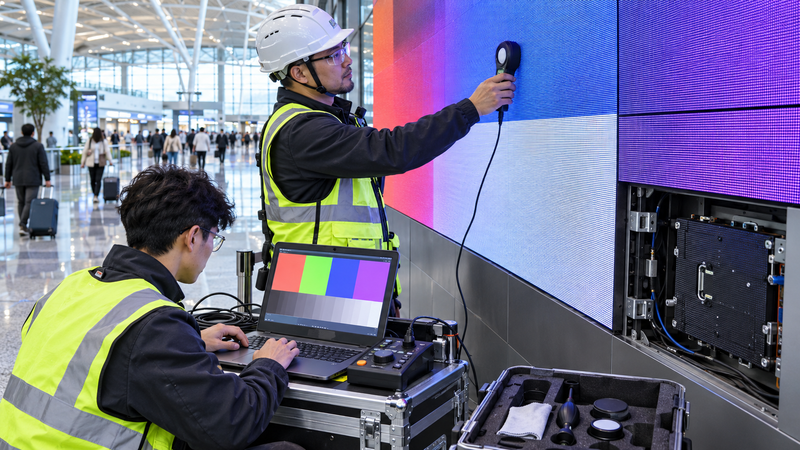
An airport façade can put intense daylight and reflections near an indoor display. Night operation may require a much lower output. Ask for the usable luminance range, automatic or scheduled control method, manual override, sensor location, transition behavior, and a commissioning procedure. A single maximum-nit number is not an operating plan.
Evaluate black level, contrast, reflections, color consistency, low-brightness behavior, and camera interaction if the wall may appear in security or broadcast footage. Verify the finished wall on site because ambient light, glazing, nearby fixtures, and viewing angle change the result.
Separate operational information from advertising
FAA guidance distinguishes airport-wide and concourse-specific flight-information displays and emphasizes consistent content and legibility. If one LED wall carries several content types, define fixed zones, authority, priority, and takeover rules. Essential information should not disappear because a commercial playlist is running.
- Who owns each content zone and approves changes?
- Which source is authoritative for flight, baggage, queue, and emergency data?
- What happens when the feed is stale, invalid, or disconnected?
- Can emergency content override every playlist and external input?
- Is every change logged with user, time, source, and rollback?
Keep terminology, arrows, colors, and pictograms aligned with the airport’s wider wayfinding system. A dynamic screen should not invent a competing visual language at the same decision point.
Design redundancy around the required service level
“Redundant” can mean spare modules on a shelf, dual power supplies in selected cabinets, redundant receiving cards, two processors, diverse data paths, or an entirely independent fallback display. These are not equivalent. Write failure scenarios and the acceptable result for each one.
| Failure | Required visible result | Evidence to request |
|---|---|---|
| Single LED module fault | Localized defect; safe replacement without major closure | Front/rear access demonstration and spare-module plan |
| Power-supply fault | Defined affected area, not an unexplained whole-wall outage | Power topology, circuit schedule, failure test |
| Controller or processor fault | Automatic or operator-controlled recovery within agreed time | Failover architecture and witnessed switchover |
| Content or data-feed loss | Approved fallback message; stale data visibly identified or removed | Interface monitoring, timeout logic, event log |
| Network compromise | Display remains under authorized control | Accounts, segmentation, update policy, backup and recovery test |
Plan service access as part of the architecture
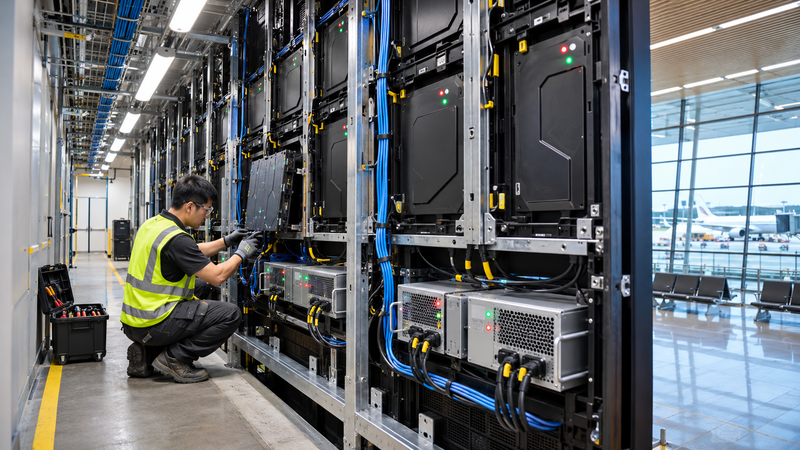
Confirm whether modules, power supplies, receiving cards, and cabling are serviced from the front, rear, or both. Front service may save depth but still needs safe access equipment and a way to protect passengers below. Rear service requires a compliant aisle, lighting, ventilation, fall and electrical safety, and room to remove components.
Coordinate the display with structure, cladding, sprinklers, smoke detection, HVAC, acoustic treatment, cable containment, cleaning access, and nearby tenant systems. Ask who owns the supporting frame and who certifies it. The LED vendor’s cabinet drawing is not a substitute for the project’s structural and fire review.
Define content, control, and cybersecurity interfaces
List every input: flight information, baggage data, queue analytics, emergency management, media player, manual operator station, and maintenance laptop. For each interface, record protocol, data owner, authentication, update rate, timeout, fallback, and logging.
Keep the display network within the airport’s approved architecture. Use named accounts and least privilege, remove default credentials, document remote access, control software and firmware updates, back up configuration, and rehearse restoration. The screen should not become an unmanaged bridge between operational data and a commercial content network.
Accessibility and legibility belong in the acceptance test
FAA terminal-planning guidance calls for consistent terminology, font, character spacing, illumination, placement, and ADA considerations. WCAG is written for digital interfaces rather than airport hardware procurement, but its principles—contrast, avoiding unnecessary images of text, and preserving readable information—can help content teams build testable display templates.
Use actual viewers and real content. Test standing and seated sightlines, color-independent status cues, multilingual layouts, scrolling or motion limits, and the time available to read a message while walking. Pair visual messages with other required communication channels; a large screen alone is not a complete accessibility plan.
Airport LED screen procurement checklist
- Approved use cases, content owners, priority and fallback states.
- Decision points, sightlines, viewer distances, angles and passenger-flow study.
- Active dimensions, pitch, pixel matrix and actual content mockups.
- Luminance operating range, glare strategy and on-site measurement method.
- Processor capacity, input formats, scaling, latency and synchronization needs.
- Power, data, control and content redundancy matched to failure scenarios.
- Structure, fire, ventilation, heat, acoustic and electrical coordination.
- Front/rear service method, safe access, spare parts and replacement times.
- Network ownership, accounts, segmentation, updates, logs, backup and recovery.
- Factory and site acceptance tests using final templates and live interfaces.
Frequently asked questions
What pixel pitch is best for an airport LED screen?
There is no universal pitch. Select it after measuring the nearest and farthest viewers and testing the actual smallest critical content. Close-viewed flight rows usually need finer pitch than distant architectural media.
How bright should an indoor airport LED wall be?
Specify a controllable operating range and verify it under daytime, nighttime, and representative glare conditions. Maximum brightness alone does not define a comfortable or legible installation.
Should flight information and advertising share one screen?
They can share a system only when content zones, ownership, priority, fallback, and emergency takeover are explicit. Essential passenger information should not be displaced by advertising.
What should be tested before handover?
Test visible quality, final content legibility, sensors and dimming, live data, stale-feed behavior, every planned failover, emergency takeover, operator permissions, logs, backup, recovery, and safe maintenance access.
Sources and scope
- FAA AC 150/5360-12F, Airport Signing and Graphics — flight/baggage display roles, key decision points, placement, legibility and passenger flow.
- FAA AC 150/5360-13A, Airport Terminal Planning — technology planning, graphic consistency, maintenance, code and accessibility considerations.
- W3C Web Content Accessibility Guidelines 2.2 — supporting content principles for contrast and text presentation; not a substitute for airport-specific accessibility requirements.
The engineering values for a real airport depend on site measurements, content, authorities, project codes, duty cycle and operational risk. This article is a procurement framework, not a product datasheet, code opinion, or final design. Generated images illustrate typical environments and do not document a completed airport installation.