Quick Answer: Plan an LED video wall for a trade show around the approved booth design, the nearest viewer, the actual pixel canvas and the services needed to operate it. Ask for a complete package covering support, processing, power, content testing, installation and removal. A screen-only price or a promise of “4K” does not tell you whether the proposed wall will work in your stand.
At a trade show, the wall shares a small space with products, staff, conversations and visitor routes. A large display can become a poor choice if people stand too close to read the content, its support takes the demonstration space, or essential services arrive after the booked installation slot. Turn those constraints into a written brief before comparing suppliers.
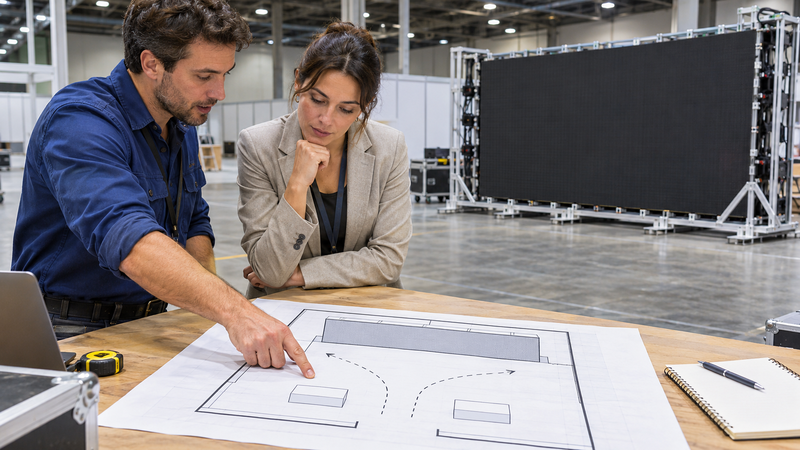
Check the Booth Rules and Installation Plan
Send the supplier the current exhibitor manual, booth dimensions, permitted height, service information and installation schedule. Confirm whether the wall is ground-supported or suspended, where its support sits, and who is responsible for design approval and installation. Do not assume that permission to exhibit includes permission for every screen structure.
For a concrete example of event-specific requirements, NAB Show New York’s rules include video walls among elements that must comply with its booth-design guidelines. That does not establish a universal height limit or approval process for other events. Use the rules for the actual edition and venue you are attending.
GES’s rigging planning guidance likewise directs exhibitors to their manual because requirements differ by city, facility and show. If the proposal is suspended, obtain the rigging requirements and required design documentation from the authorised parties. For a ground-supported wall, obtain the approved support arrangement rather than treating a photograph of another booth as engineering evidence.
Choose Size and Pixel Pitch for the Viewing Task
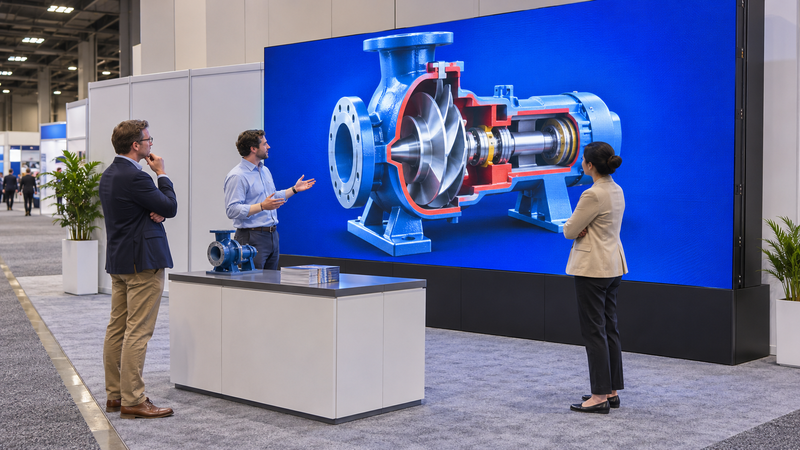
Define two viewing positions: a person passing the aisle and a person standing at the demonstration area. Decide what each must recognise. A large product image and a short message are different tasks from reading software labels or comparing a specification table.
AVIXA’s video-wall planning guide links resolution choices to viewing distance, content and physical space. Apply that by asking to see representative content on the proposed product at realistic distances. Do not turn a pitch-to-distance rule of thumb into a guaranteed legibility threshold.
Compare the view with a person standing in front of the wall and with the actual counter or product display in place. If important information disappears behind visitors’ heads, revise its position in the content or the booth layout. A smaller, well-used canvas may serve the demonstration better than a larger wall with unreadable detail.
Compare the Physical Wall with Its Actual Pixel Canvas
Request the cabinet dimensions, cabinet pixel resolution, cabinet arrangement and resulting total resolution. Physical size, processor input capability and displayed pixel count are separate specifications. A controller accepting a 4K signal does not make every attached wall a native 4K canvas.
Here is a hypothetical calculation, not a quotation for a stocked product. Assume a 500 × 500 mm cabinet with a 2.5 mm pitch and a 200 × 200 pixel grid. Six cabinets across and four high produce a 3 × 2 m wall with 1,200 × 800 pixels: a 3:2 canvas. Confirm the supplier’s actual cabinet specification instead of assuming those dimensions apply to every product.
| Example item | Calculation | Planning implication |
|---|---|---|
| Physical width | 6 × 500 mm = 3,000 mm | Allow separately for the support footprint |
| Physical height | 4 × 500 mm = 2,000 mm | This is the image area, not total installed height |
| Pixel canvas | (6 × 200) × (4 × 200) = 1,200 × 800 | Design and test content for this actual canvas |
| Aspect ratio | 1,200:800 = 3:2 | A 16:9 source needs a deliberate fitting treatment |
For a 16:9 source on that 3:2 example, agree whether to preserve the full picture with unused space, crop it, or produce a new composition. Stretching it distorts the image. See our 16:9 dimensions guide for the difference between screen proportions and resolution.
Check the Complete Rental Package and Service Responsibilities
Ask each bidder to identify the exact display, support, processor, playback device, signal distribution, cables and spares supplied. Then separate transport, material handling, installation labour, electrical service, rigging where applicable, show-hours support and removal. Establish which party orders each service and which items remain outside the quotation.
Request the equipment’s documented power requirements and have the qualified service provider specify the supply and distribution. Include the processor and playback equipment. Do not size the electrical order from an attractive average-consumption figure alone, and do not publish a universal current calculation without the actual system and supply details.
A useful quote also names the content-delivery deadline, move-in appointment, test period, support contact and dismantling arrangement. These are project-specific commitments, not industry-wide fixed lead times. Our event LED-wall rental guide provides wider rental context.
Test the Show Content through the Complete Signal Chain
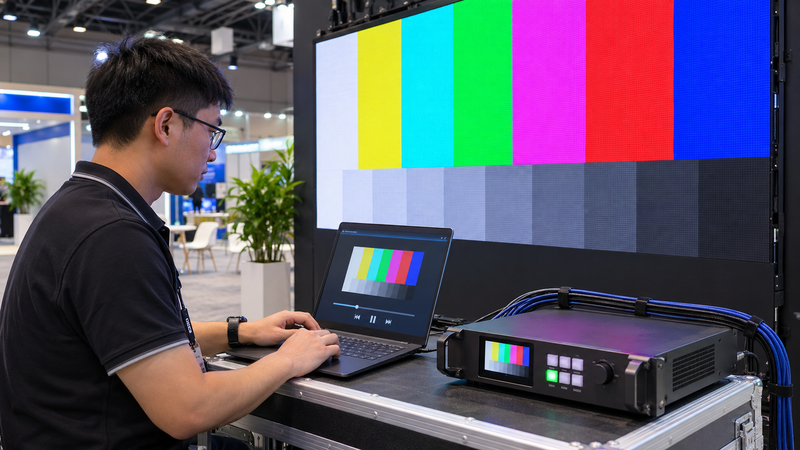
Run the actual playback device, connection, processor mapping and approved content together. Check a short loop, a still image with the smallest essential text and any live source used in the demonstration. Agree how the system restarts after a power interruption and what staff should do if the source fails.
If the booth will be filmed, test with the intended camera and settings. A wall that looks acceptable to a person can still show unwanted patterns in footage. Use our LED-wall moire testing guide for that separate acceptance task. No refresh-rate headline alone proves camera performance.
Record approval against the supplied configuration and content, then keep a local backup of the show files. The acceptance record should say what was tested, from where and by whom. Avoid replacing that evidence with an unsupported claim about guaranteed engagement or sales.
Trade-Show LED Wall Questions
Does a 4K processor mean the trade-show wall is 4K?
No. Confirm the total displayed pixel resolution as well as the processor’s input capability. The cabinet arrangement determines the wall’s physical pixel canvas.
Can every booth use a suspended LED video wall?
No. Approval, venue restrictions, support design and authorised installation must be confirmed for the specific show. A wall used at another event does not establish permission for yours.
What should I send suppliers to obtain comparable quotes?
Send the booth plan and current manual, viewer positions, sample content, desired image area, show schedule and required support scope. Request itemised inclusions, exclusions and named service responsibilities.
Evidence note: AVIXA supports the planning considerations; NAB and GES illustrate why event and rigging rules need specific verification. The numerical cabinet example is author-calculated and hypothetical. No prices, supplier endorsement, certified design or measured conversion result are claimed.