Quick answer
“P3 91” is usually a search or catalog shorthand for P3.91, an LED display pixel pitch of about 3.91 mm. It is not the same nominal pitch as P3, which means about 3 mm. The label alone does not tell you the screen’s brightness, refresh rate, cabinet size, indoor/outdoor rating, or whether it fits your venue. Before buying, confirm the exact model and current datasheet, then compare the wall dimensions, viewing conditions, installation, maintenance access, and control system. LEDP3’s public product pages describe P3 / 3 mm products; do not assume they indicate P3.91 availability without a model-specific confirmation.
What does P3.91 mean on an LED screen?
Pixel pitch is the distance, measured in millimeters, between the centers of neighboring pixels. A smaller pitch places pixels closer together. Unilumin’s pixel-pitch explanation describes this center-to-center measurement and discusses its relationship to display selection. In a product name, P3.91 therefore points to a nominal pitch of approximately 3.91 mm. “P3 91,” “P3.91,” and sometimes “3.9 mm” may be used inconsistently in searches or listings, so verify the actual value in the manufacturer’s specification sheet rather than relying on punctuation in a title.
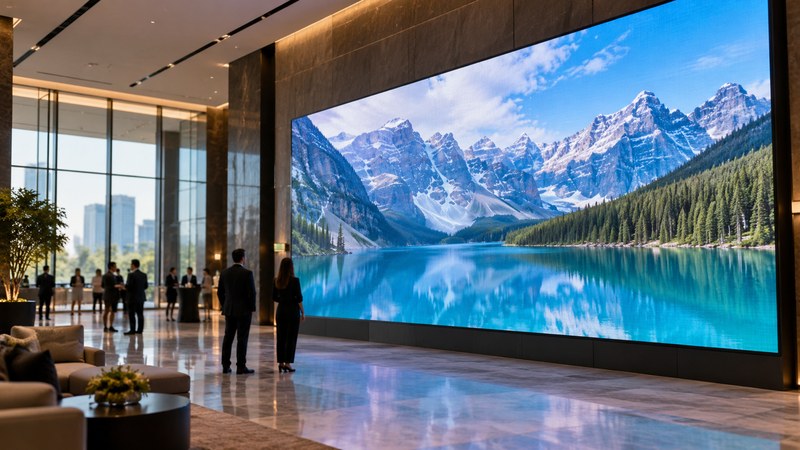
The difference from a 3 mm P3 is meaningful: 3.91 mm is about 0.91 mm, or roughly 30%, wider between adjacent pixel centers than 3 mm. That does not mean a screen will look exactly 30% less sharp. The visible result also depends on the complete panel resolution, wall size, content, viewing distance, LED and module design, processing, and installation quality.
| Label | Nominal center-to-center pitch | What the label does not tell you |
|---|---|---|
| P3 | About 3 mm | Cabinet resolution, brightness, refresh rate, or environmental rating |
| P3.91 | About 3.91 mm | Whether the specific product is indoor, outdoor, fixed, or rental |
LEDP3’s product range and P3 LED screen page describe its P3 product path. That is useful context, but a P3 page is not evidence that a P3.91 model is currently offered.
Does P3.91 fit your viewing distance?
There is no single viewing-distance number that can be safely inferred from “P3.91” alone. A manufacturer may publish a recommended viewing range for a particular model, but the result depends on the product and on what viewers need to read or see. A large-text menu viewed across a restaurant and fine text viewed close up in a control room are different jobs even if both use indoor LED panels.
Start with three project facts:
- The closest and typical viewer positions, measured from the screen surface.
- The final visible wall width and height, plus the content type (text, video, dashboards, or mixed use).
- Whether viewers need to read fine detail or mainly recognize large images and messages.
Then ask the supplier to show the proposed screen’s native pixel dimensions at the requested wall size and review a sample or comparable installation from the intended distance. Unilumin’s P3/P2 explanation describes the general pixel-pitch distinction; its separate UHF product listing includes P3.91 as one option in that specific flexible-display series. That listing is an example of one manufacturer’s product, not a universal specification or proof that every P3.91 screen has the same configuration.
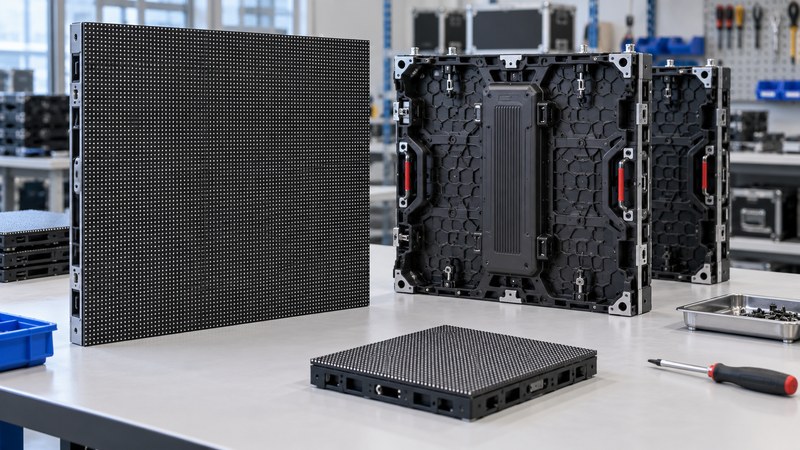
P3.91 specification quick reference: what to check in a quote
Ask for the model-specific datasheet and make sure the quotation and specification sheet agree on these points:
- Pitch and resolution: Confirm the nominal pitch, module dimensions, cabinet dimensions, and pixel resolution for the full wall. Ask how the final canvas maps to the content source.
- Use environment: Confirm whether the exact model is intended for indoor or outdoor use and check the stated protection rating for the complete assembled product. Do not infer weather resistance from a P3.91 label.
- Image performance: Review brightness, refresh rate, grayscale, viewing angle, and any calibration or color-uniformity information that matters to the application. Compare like-for-like test conditions.
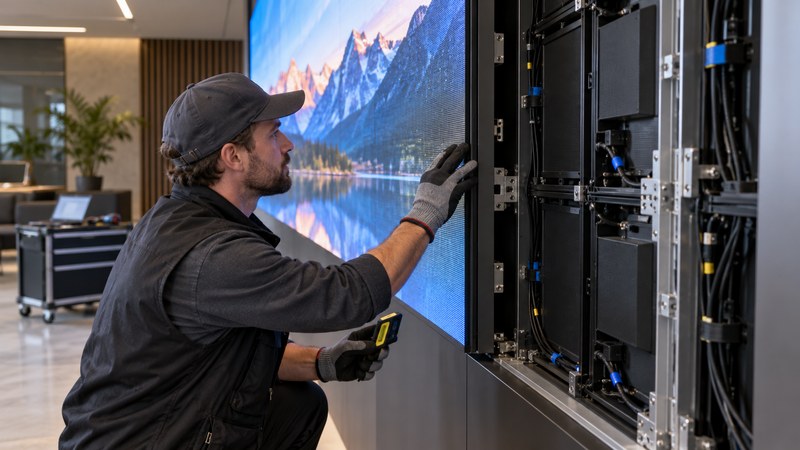
- Installation and maintenance: Confirm cabinet weight, mounting method, power/data routing, and whether service is front or rear. Make sure the room provides the required access and structure.
- Control compatibility: Identify the sending/receiving hardware, processor, supported input resolutions, and who supplies and configures them. Confirm compatibility with the content source before order approval.
- Commercial details: Check quantity, included accessories and spare modules, lead time, warranty terms, packing, shipping, and commissioning scope in the written quotation. These are supplier-specific and should not be inferred from the pitch.
P3.91 or the site’s listed P3 display?
Compare both options against the same wall dimensions, closest viewer position, content, and room conditions. Request each supplier’s model sheet and native-resolution layout. A smaller pitch may provide more pixel positions across a wall of the same dimensions, but it is not automatically the better choice if the project does not benefit from that detail or if other system requirements are unmet.
If you are contacting LEDP3, share the intended use, indoor/outdoor setting, wall width and height, nearest viewer distance, content type, and installation constraints. Ask whether a P3.91 model is actually available for that specification. The public site currently presents a P3 / 3 mm product path, so a written model-specific answer is needed before treating P3.91 as an available LEDP3 product. You can review the LEDP3 product list or begin at the LEDP3 home page.
Frequently asked questions
Is P3.91 the same as P3?
No. P3 means a nominal pitch of about 3 mm; P3.91 means about 3.91 mm between neighboring pixel centers. Confirm the datasheet because seller titles and search phrases may omit punctuation or round the value.
What does “P3 91 LED screen” mean?
It commonly refers to a P3.91 LED screen, with “P3 91” typed without the decimal point. Treat that as a search phrase, not a complete specification, and verify the model’s stated pitch.
Is P3.91 an indoor or outdoor screen?
The pitch alone does not identify the environment. Check the exact model’s intended use, protection rating, brightness, cabinet design, and installation requirements in its datasheet.
How far away should viewers sit from a P3.91 screen?
Do not rely on a universal distance based only on the pitch. Give the supplier the closest and typical viewing positions, wall size, and content type, then review the model-specific recommendation and native pixel layout.
Does LEDP3 sell P3.91 screens?
The public LEDP3 product pages reviewed for this guide describe P3 / 3 mm products. They do not establish that P3.91 is currently available. Ask LEDP3 for written confirmation tied to a model and current datasheet.