Why Sizing a Big LED Screen Comes Down to Math Instead of Guesswork
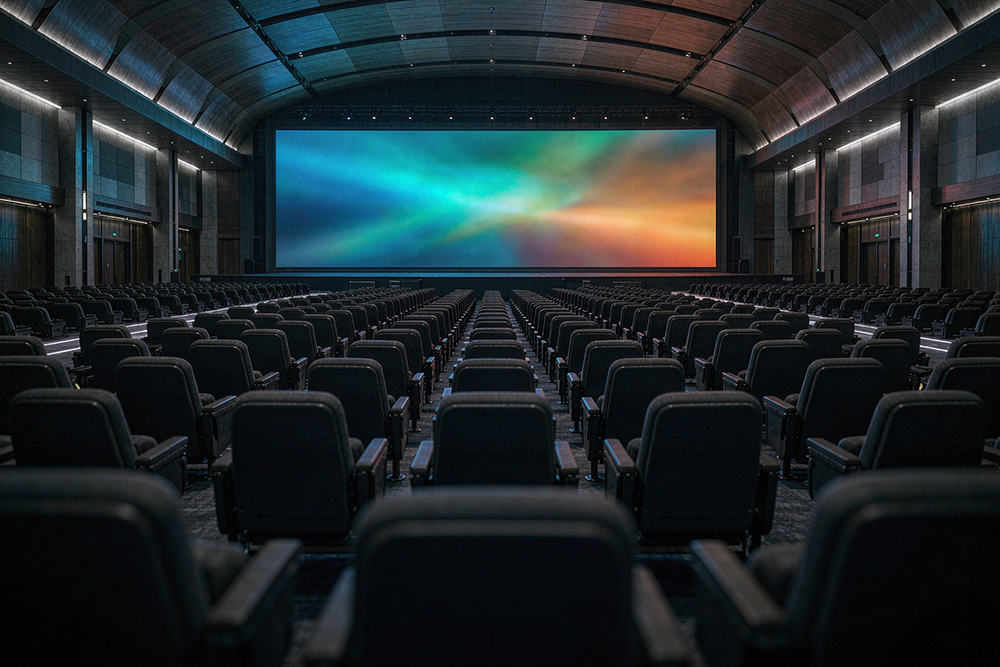
Ask five buyers what a big led screen should be and you will get five different answers. Someone means 6 meters wide, someone means 30 meters, and someone else means simply bigger than the wall they currently have. Then the supplier quotes against their own interpretation, and the buyer discovers the problem after the deposit.
Sizing is not a matter of taste. It is arithmetic based on viewing distance, ambient light, and content resolution. Four formulas cover almost every project, and running them before you request a quote turns a vague brief into a purchaseable specification.
Here are the four formulas, with worked examples for each.
Formula 1: Screen Width From Viewing Distance
The first number you need is the screen width, and it comes from how far the audience sits.
The rule: screen width in meters should be roughly one quarter of the nearest viewing distance in meters.
Worked example. A conference with a 20 meter distance from the stage to the front row. The screen should be 20 divided by 4, which is 5 meters wide. A panel arrangement of roughly 12 panels across a 500mm cabinet gets you there.
| Nearest viewing distance | Recommended screen width |
|---|---|
| 8 meters | 2 meters |
| 15 meters | 3.5 to 4 meters |
| 20 meters | 5 meters |
| 40 meters | 10 meters |
| 80 meters | 20 meters or wider |
For large outdoor audiences, use the farthest meaningful distance rather than the closest. A stadium screen that looks oversized from row five is exactly right from row eighty.
Formula 2: Total Resolution From Width and Pixel Pitch
Once you know the physical size, the next question is how fine the pixel grid needs to be.
The rule: number of pixels horizontally equals width in millimeters divided by pixel pitch in millimeters. Multiply by the same calculation for height to get total pixels.
Worked example. A 5 meter wide by 2.8 meter high screen at P5 pixel pitch.
Horizontal pixels: 5000 mm ÷ 5 mm = 1000 pixels
Vertical pixels:   2800 mm ÷ 5 mm = 560 pixels
Total: 1000 × 560 = 560,000 pixels
This tells you how many panels you need, which cabinets fit the width, and whether your content resolution is sufficient. A 1920 by 1080 video mapped onto a 560,000 pixel wall leaves visible softness. Matching content resolution to screen resolution is the difference between sharp and mushy.
For reference, a full HD source needs a screen with at least 2 million pixels to display at native sharpness.
Formula 3: Brightness From Ambient Light
Brightness is where outdoor and indoor projects diverge, and where overspending happens most often.
The rule: indoor displays need 2 to 3 times the measured ambient light at the screen. Outdoor displays in direct sun need 3 to 5 times.
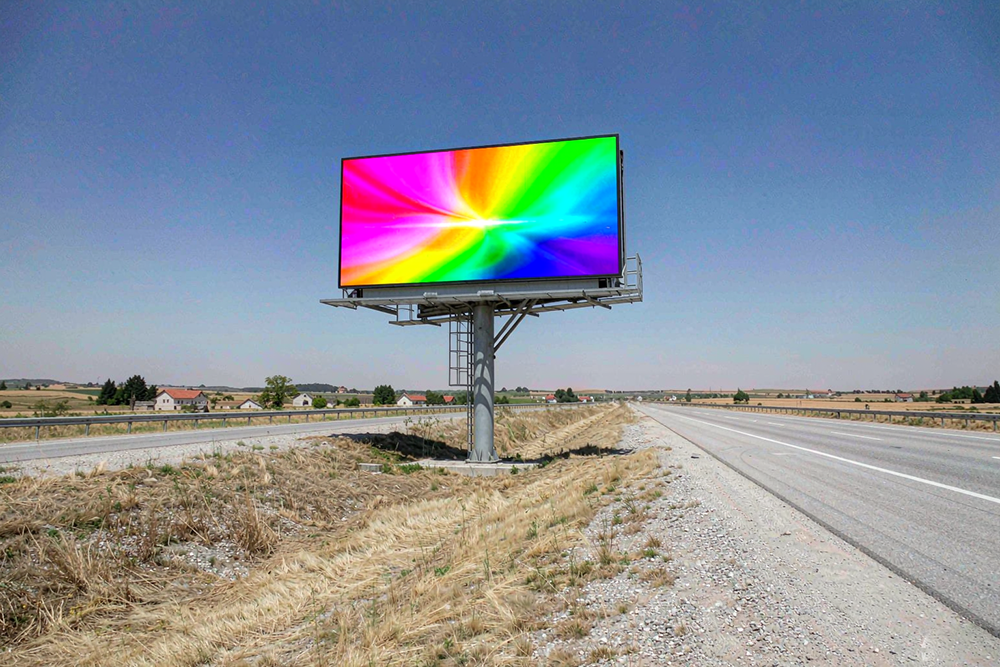
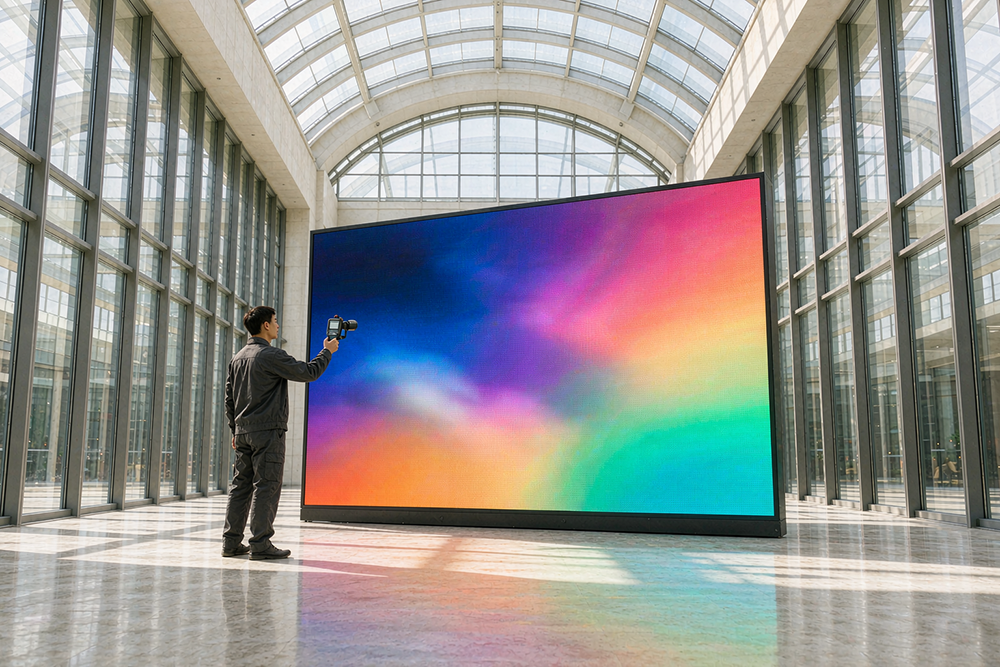
Worked example. An indoor lobby with 150 lux at the screen position needs 300 to 450 nits. A roadside billboard in direct afternoon sun with 80,000 lux needs 240,000 to 400,000 lux of output, which in practice translates to commercial outdoor panels rated between 2,500 and 4,000 nits.
| Environment | Ambient light | Recommended output |
|---|---|---|
| Dark studio or theatre | Under 50 lux | 100 to 300 nits |
| Indoor lobby or office | 150 to 500 lux | 400 to 800 nits |
| Bright retail or atrium | 1,000 to 3,000 lux | 1,000 to 2,000 nits |
| Covered outdoor | 10,000 lux | 2,000 to 3,000 nits |
| Direct sunlight | 80,000 lux | 3,000 to 5,000 nits |
Buying outdoor-rated brightness for an indoor lobby is the most common waste in this category. You pay for nits you will never use, and you may still need auto-dimming to avoid eye strain.
Formula 4: Annual Power Cost From Area and Hours
The last formula is the one that determines whether the project stays within budget over its lifetime.
The rule: average watts per square meter multiplied by total area gives total watts. Multiply by daily operating hours and 365 for annual kilowatt hours, then by your electricity rate.
Worked example. A 50 square meter outdoor display at 200 watts per square meter, running 12 hours a day at $0.18 per kWh.
Power:  50 m² × 200 W = 10,000 W = 10 kW
Daily:  10 kW × 12 h = 120 kWh
Annual: 120 kWh × 365 = 43,800 kWh
Cost:   43,800 kWh × $0.18 = $7,884 per year
Over a ten year life that is roughly $79,000 in electricity, before any maintenance. Two adjustments change this materially. Scheduling the display to dim or power down during low-traffic hours typically cuts annual consumption by 30 to 50 percent. Choosing a screen with automatic brightness sensors that reduce output in daylight saves a similar amount without any loss of image quality.
Putting the Four Numbers Into a Purchase Brief
Once the formulas are run, the brief becomes specific enough to compare quotes on.
| Parameter | Value for this example | Why it matters |
|---|---|---|
| Screen width | 5 meters | Panel count, rigging, structure weight |
| Screen height | 2.8 meters | Aspect ratio fit for 16:9 content |
| Total pixels | 560,000 | Content resolution requirement |
| Pixel pitch | P5 | Confirms sharpness at 20 meters |
| Brightness | 3,000 nits | Sufficient for direct sunlight |
| Annual power cost | $7,884 | Ten year total around $79,000 |
Send this to five suppliers and you will get five quotes covering the same thing. Comparing becomes arithmetic instead of opinion, and the cheapest number is finally the right number.
Three Sizing Mistakes That Cost Real Money
Sizing to the wall instead of the audience. Available wall space often exceeds what the audience can actually read. A 12 meter screen viewed from 15 meters looks impressive in a photograph and unreadable in person.
Sizing for the content instead of the distance. A 4K video source does not require a 4K pixel wall. Matching native content resolution to screen resolution is enough.
Forgetting the brightness tier. A 50,000 pixel screen running at 800 nits in sunlight is a cheaper purchase that does not work. Brightness is not a luxury specification. It is what makes the pixels visible at all.
Final Thoughts
Sizing a big led screen is four calculations: width from viewing distance, resolution from width and pixel pitch, brightness from ambient light, and power cost from area and hours. Run them before you talk to suppliers and the specification writes itself.
The bonus is that you stop paying for what you do not need. Right-sized brightness, right-sized resolution, and right-sized power consumption reduce the upfront price and the running cost at the same time. That is what makes a big led screen purchase a good one.
If you want to learn more about the underlying LED display technology, you can read the LED display article on Wikipedia.
To explore our full range of display products and get a specification built around your viewing distance and site conditions, visit our Big LED Screen Solutions.