Plan LED display dehumidification after storage as part of recommissioning, starting with a condition check before applying power. Identify the model, record where it was stored and inspect the equipment with the power disconnected. A drying mode is useful only when the manufacturer specifies it and the display is safe to energize.
Step 1. Record where the display has been
Write down how long it was stored, whether it went through a cold or damp move and whether the case shows signs of water entry. A cabinet brought into a warmer, humid room can still be cold enough for moisture to condense on its surface. The National Weather Service illustrates the same principle by cooling a mirror until condensation appears. Give the equipment time to acclimate under the conditions specified by its manufacturer. National Weather Service on dew point
Record the move as well as the storage conditions. A dry-looking cabinet that has just arrived from a cold truck may still be below the indoor air’s dew point. If your procedure includes temperature and humidity readings, log them with the time and the location. The readings help document the conditions for inspection.
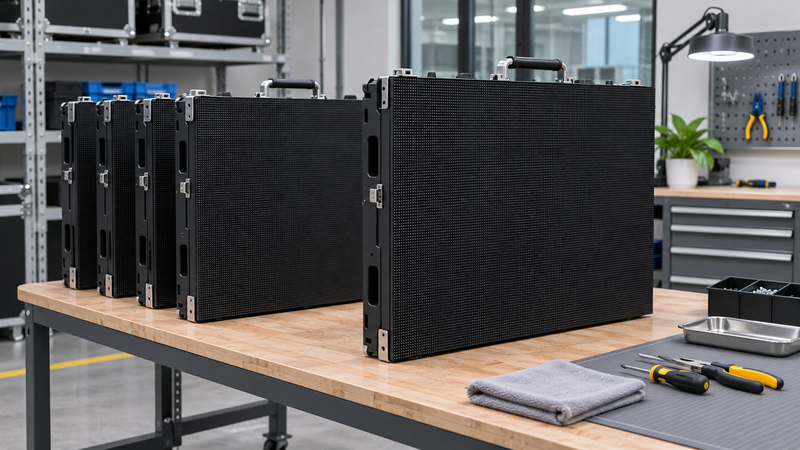
Step 2. Prepare the equipment for inspection
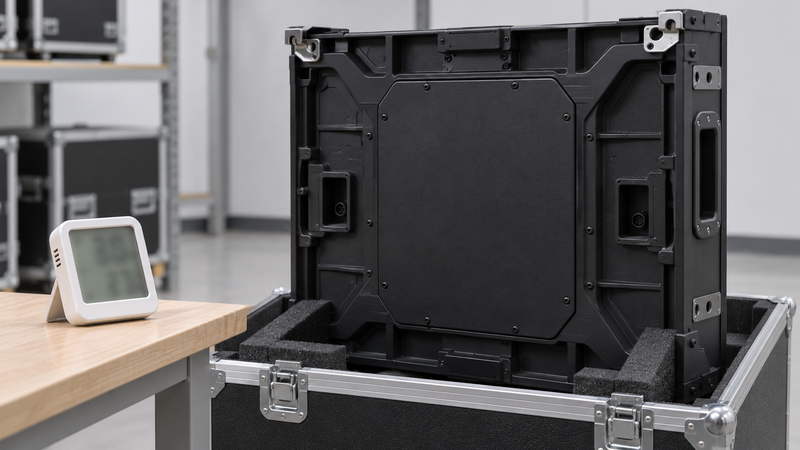
Look for visible moisture, corrosion, damaged seals or connectors, and evidence of water in the packaging. If you suspect liquid ingress or electrical damage, keep the unit disconnected and have a qualified technician assess it. Follow the installation environment and ventilation instructions for your exact model. ViewSonic LD163-181 safety and installation guide
Keep the first inspection external unless your authorized service procedure directs otherwise. Check the transit case and the visible parts of the unit with the power disconnected. Note what you saw, where you saw it, and which unit it affects, so a technician can decide what to inspect next.
Step 3. Use the documented method for the model
ViewSonic describes a dehumidification service for supported direct-view LED displays that starts dark and gradually brightens to warm the electronics. Its guidance lists long periods without use among the situations where the service may apply. Use the instructions for your model and firmware, including the required settings and timing. If the manual gives no routine for this case, ask the manufacturer how to recommission it. ViewSonic service explanation
The brightness sequence is an example of a manufacturer-provided service. Its availability and settings depend on the model. Treat a suspected wet or damaged unit as a service issue first and leave it disconnected until the manufacturer or a qualified technician clears it.
Record the result before returning to service
Log the display model, inspection result, any approved routine and who cleared it for use. Add a normal image and signal test once the equipment is ready. The trade-show LED wall guide covers planning for an event, and the genlock and low-latency guide addresses a separate signal-chain check.
Frequently Asked Questions
Can I start a dehumidification mode if the transport case shows signs of water ingress?
Keep the display disconnected and get the unit assessed. A powered dehumidification routine applies only when the exact model supports it and the unit has been cleared for power.